Learn with guided lessons
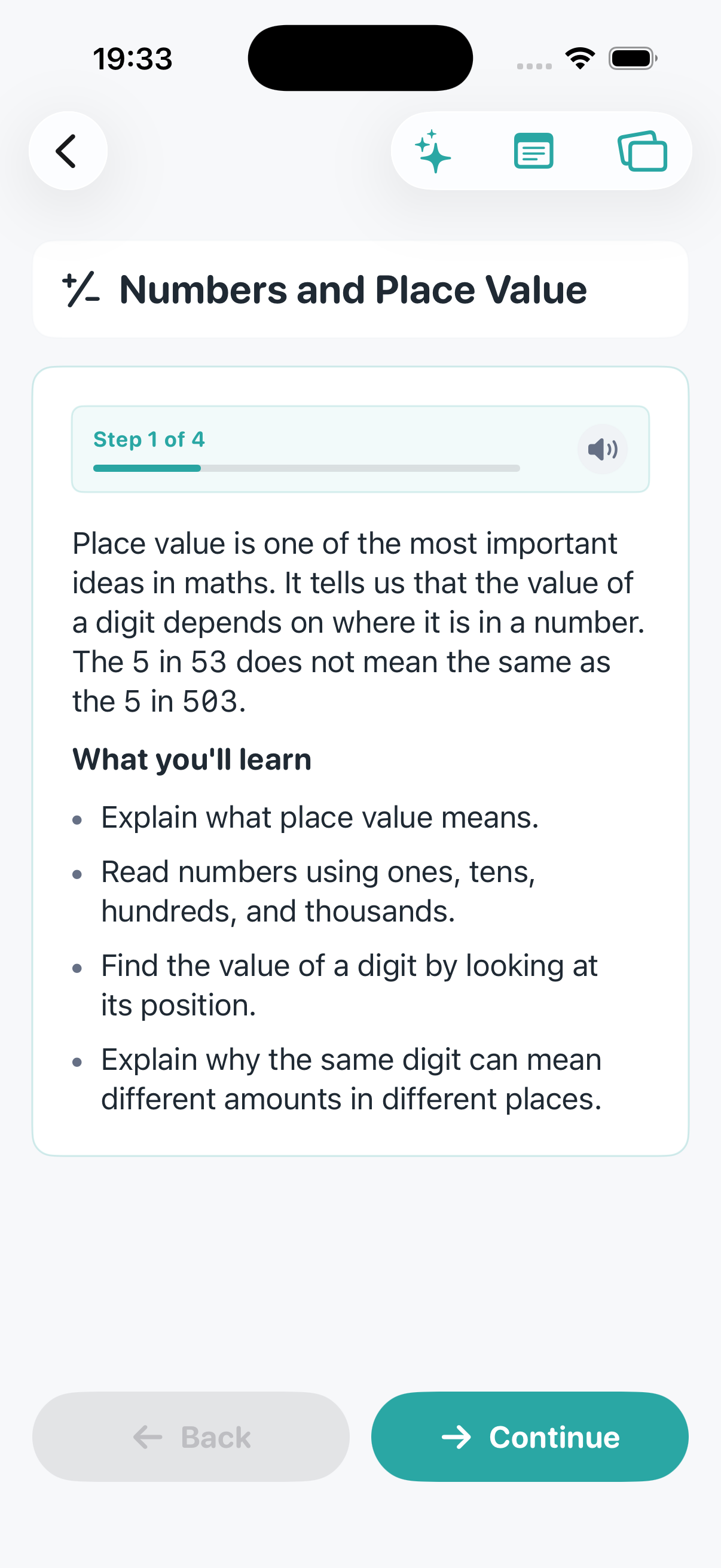
Clear stages for reading, practice, review, and quizzes so kids always know the next step.
CodePaw is private learning for families — guided lessons, real coding, SQL and Maths Labs, and progress that stays on your Apple devices.
Rated 13+ · iPhone, iPad & Mac · Some helpers need Apple Intelligence
Built for Apple families
A clear loop children can follow — and parents can trust — every day of the week.
Clear stages for reading, practice, review, and quizzes so kids always know the next step.
Write real code, run SQL, and experiment safely in projects that feel like making — not worksheets.
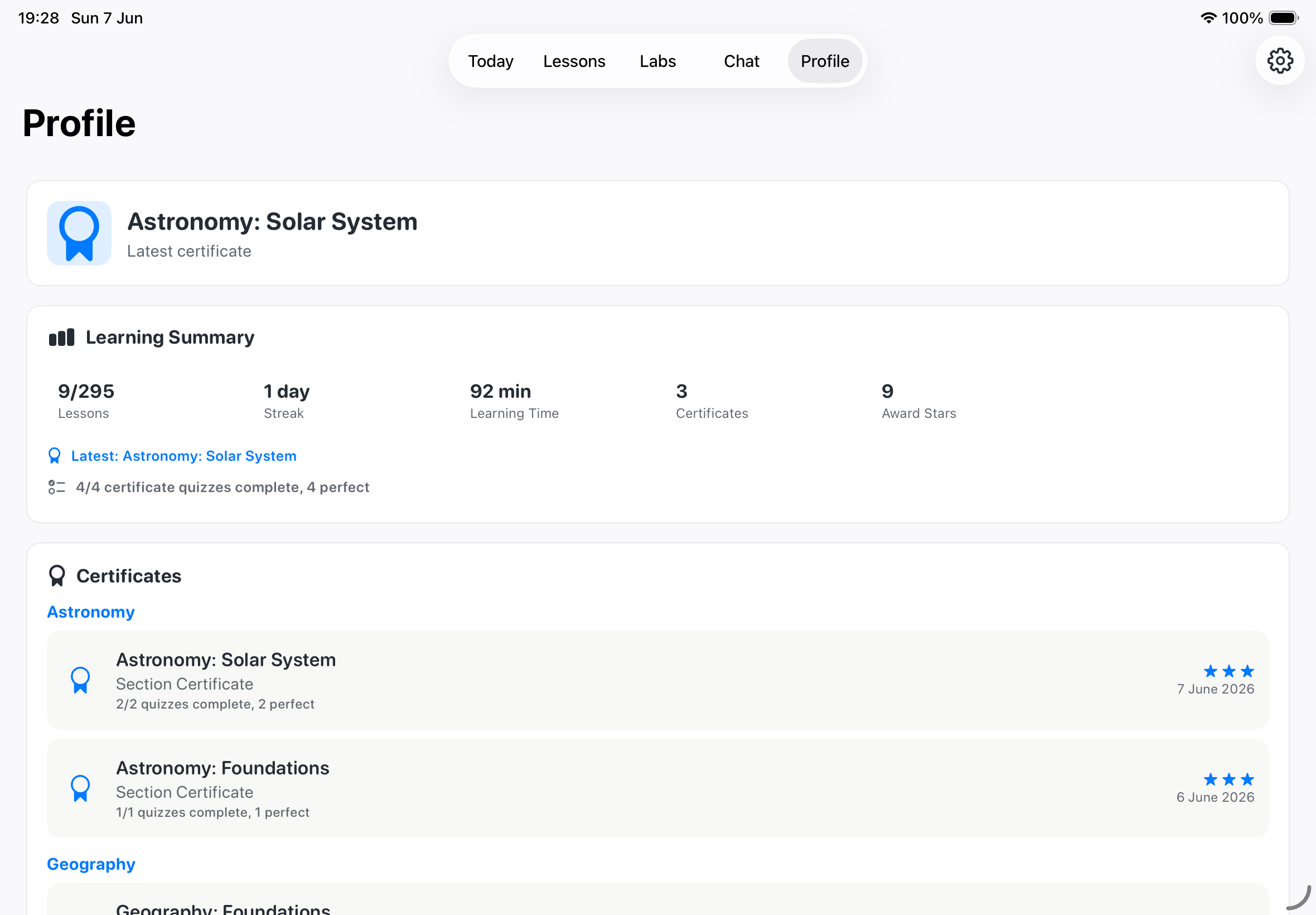
Math Lab challenges, flashcards, certificates, and progress summaries keep momentum going.
Before a child opens a learning app, you want privacy, clarity, and something real to show for the time.
Yes. No student login, no email, no ads, no tracking. Download and begin.
Daily plans, guided stages, quizzes, summaries, and certificates remove the guesswork.
Coding and Labs let children write, break, fix, and improve real projects — not only read about them.
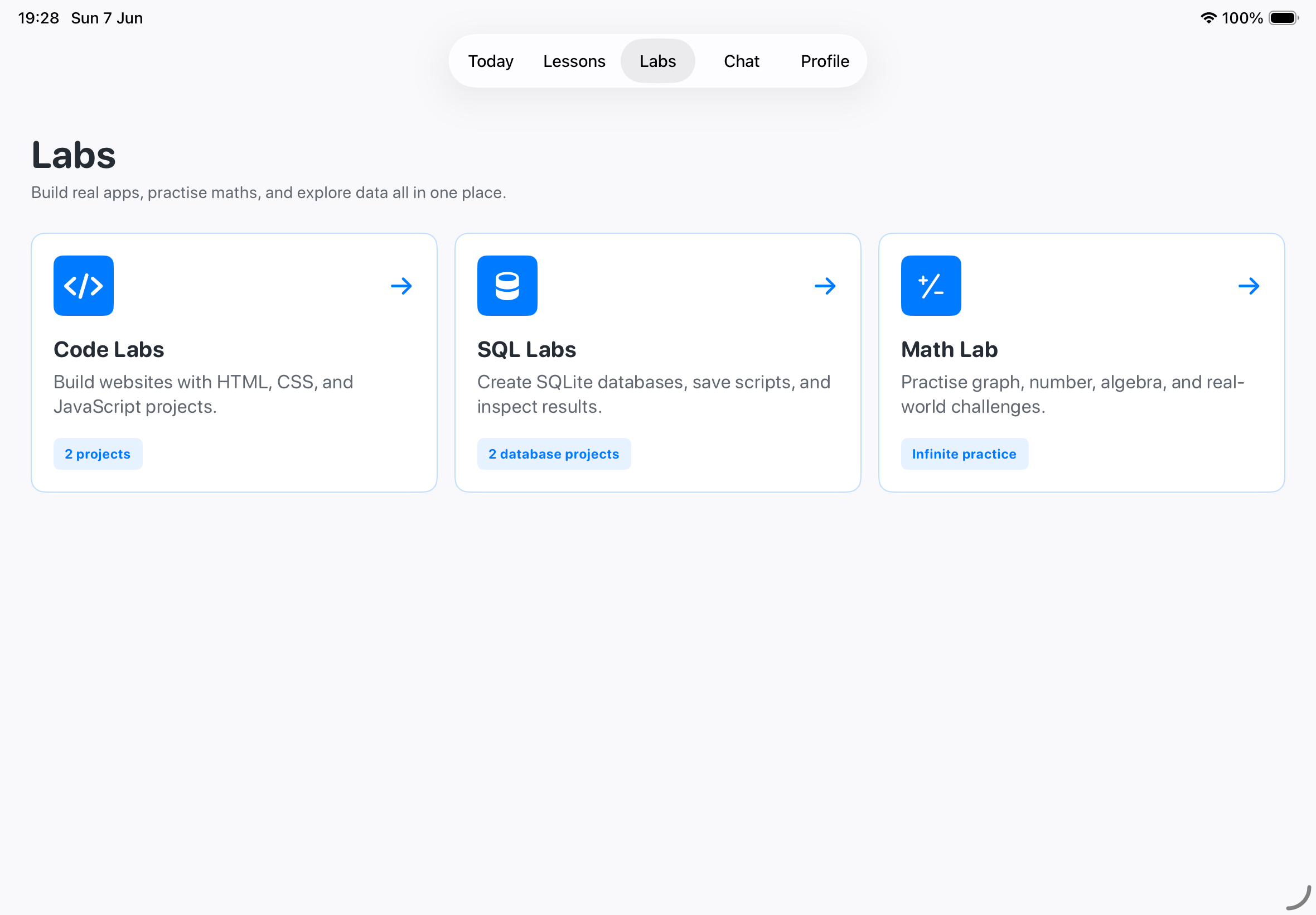
Places to build websites, explore databases, and practise maths — not just watch content.
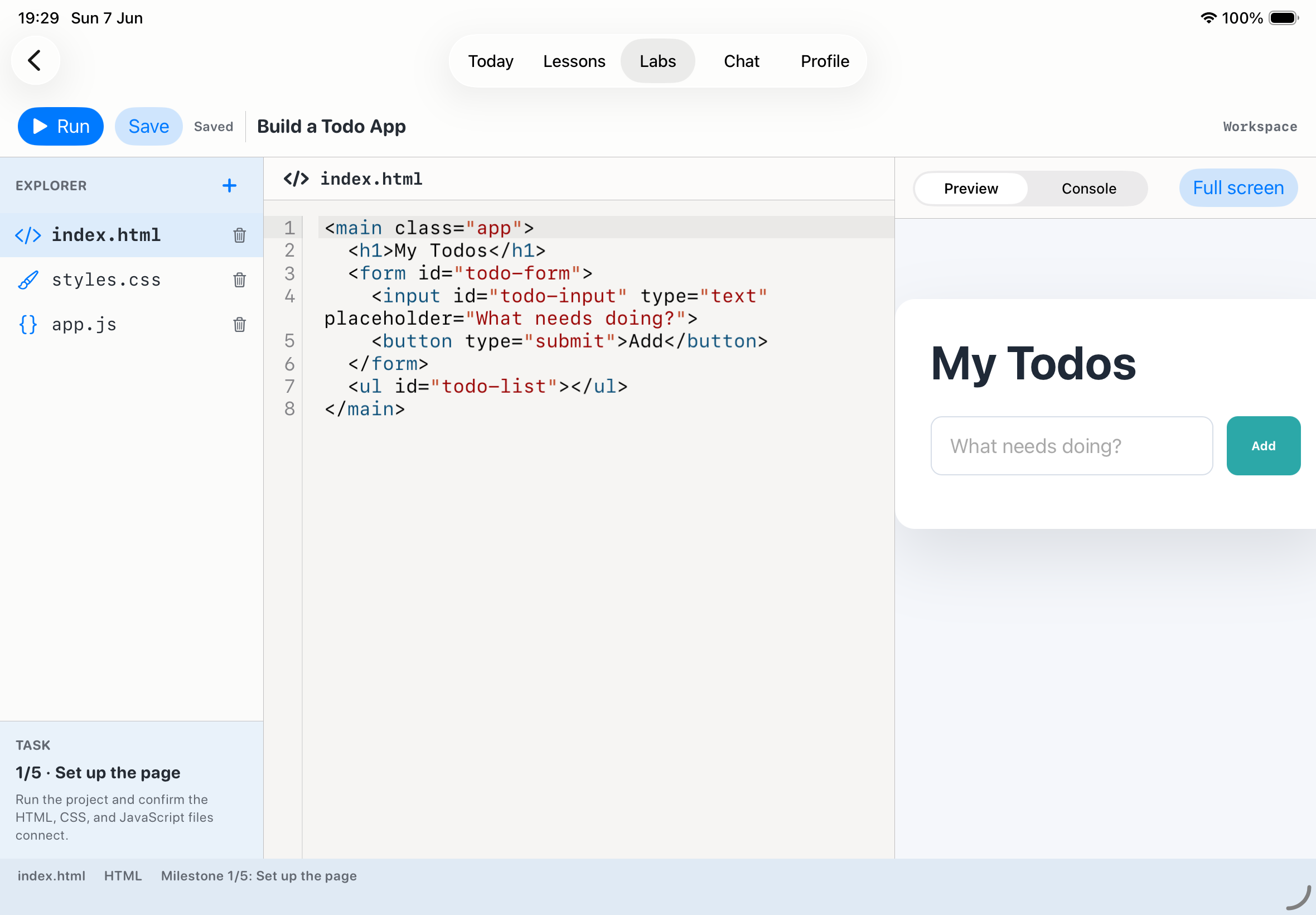
HTML, CSS, and JavaScript with a live preview. Projects feel like making, from the first line of code.
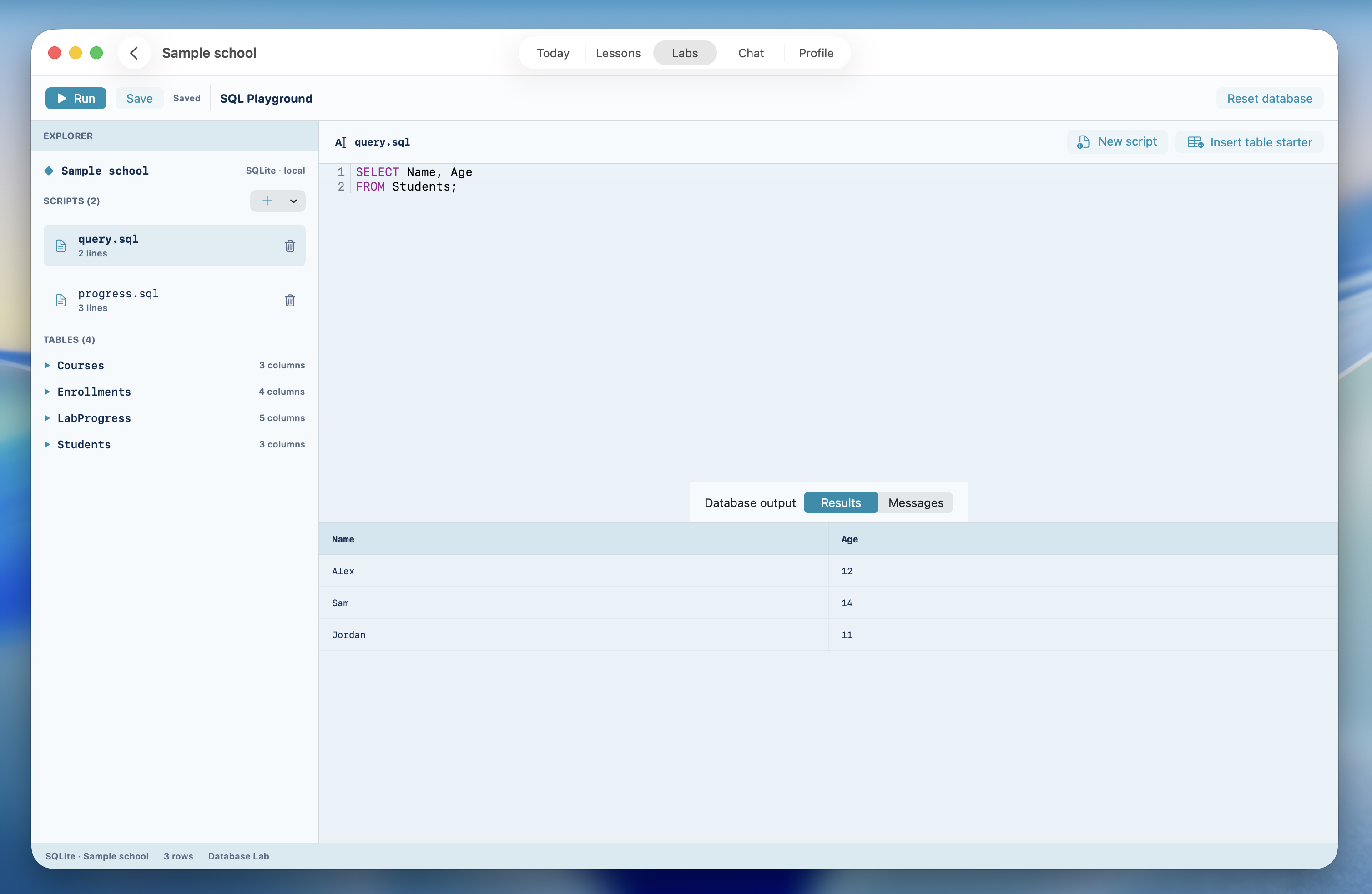
SQLite projects, saved scripts, real queries, and result tables kids can inspect.
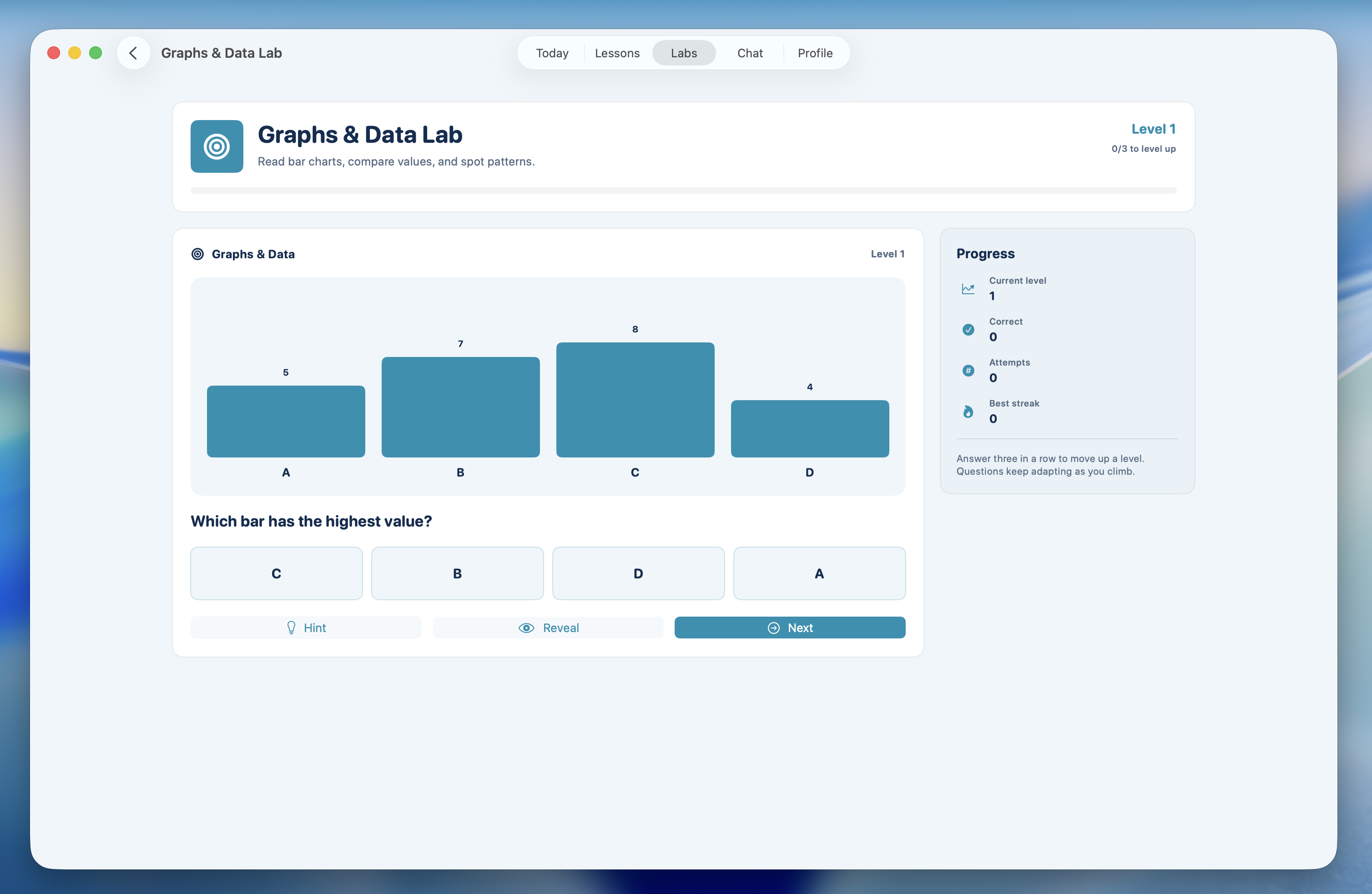
Graph, number, algebra, and real-world challenges that build lasting confidence.

Calmer home learning: clear routines, no ads, no tracking, and helpers that stay private by design.
Apple Intelligence runs helper features on supported devices.
Start from a fresh install without creating accounts.
No marketing profiles. No following kids around the web.
Chats stay with Apple Intelligence. iCloud sync is Apple’s.
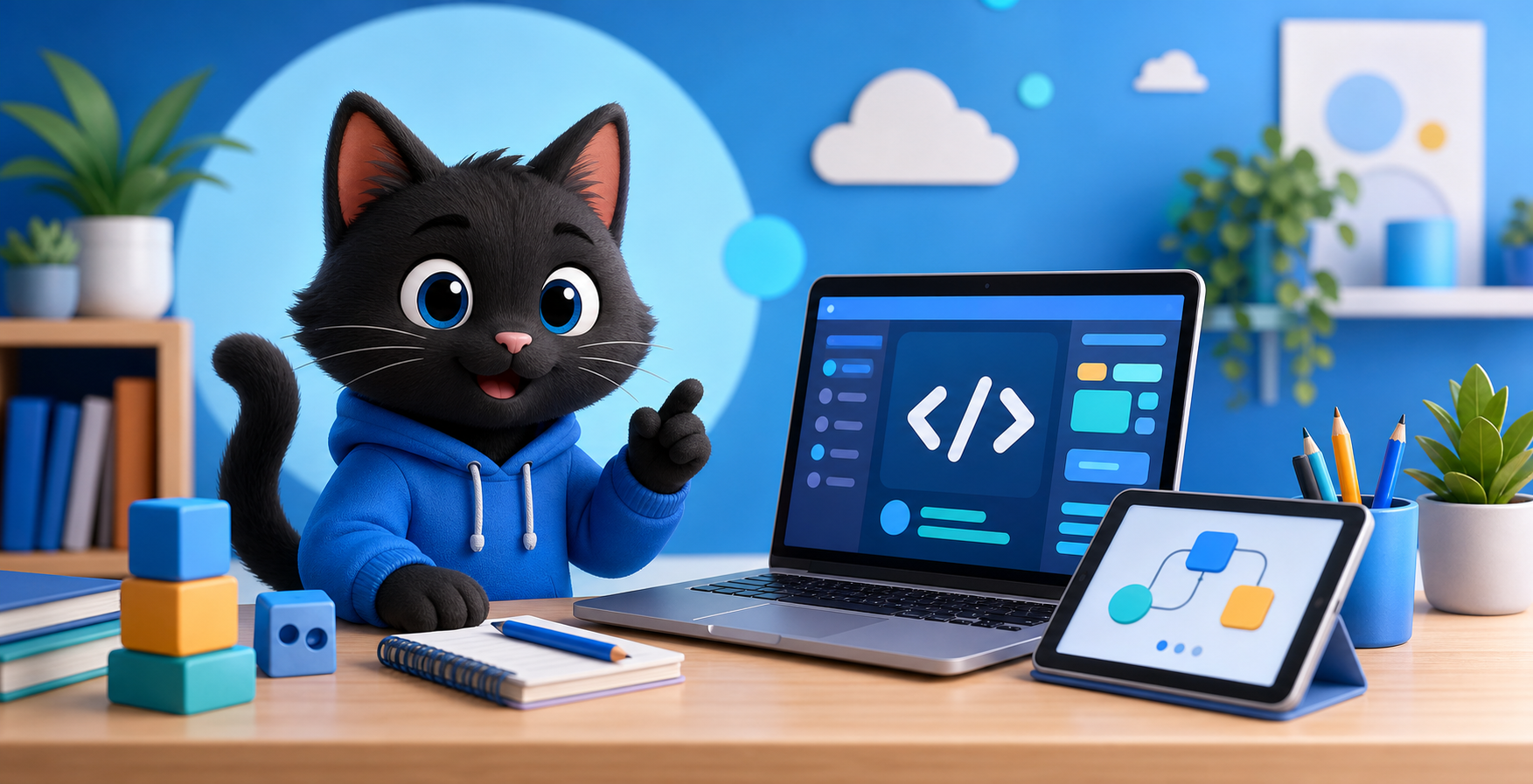
Children build websites in Code Labs, run real code, and learn by trying — guided every step.
HTML, CSS, and JavaScript with results they can see — practical from day one.
Test ideas, make mistakes, and try again inside a guided lesson or Lab project.
Create, test, and refine solutions with confidence that grows over time.
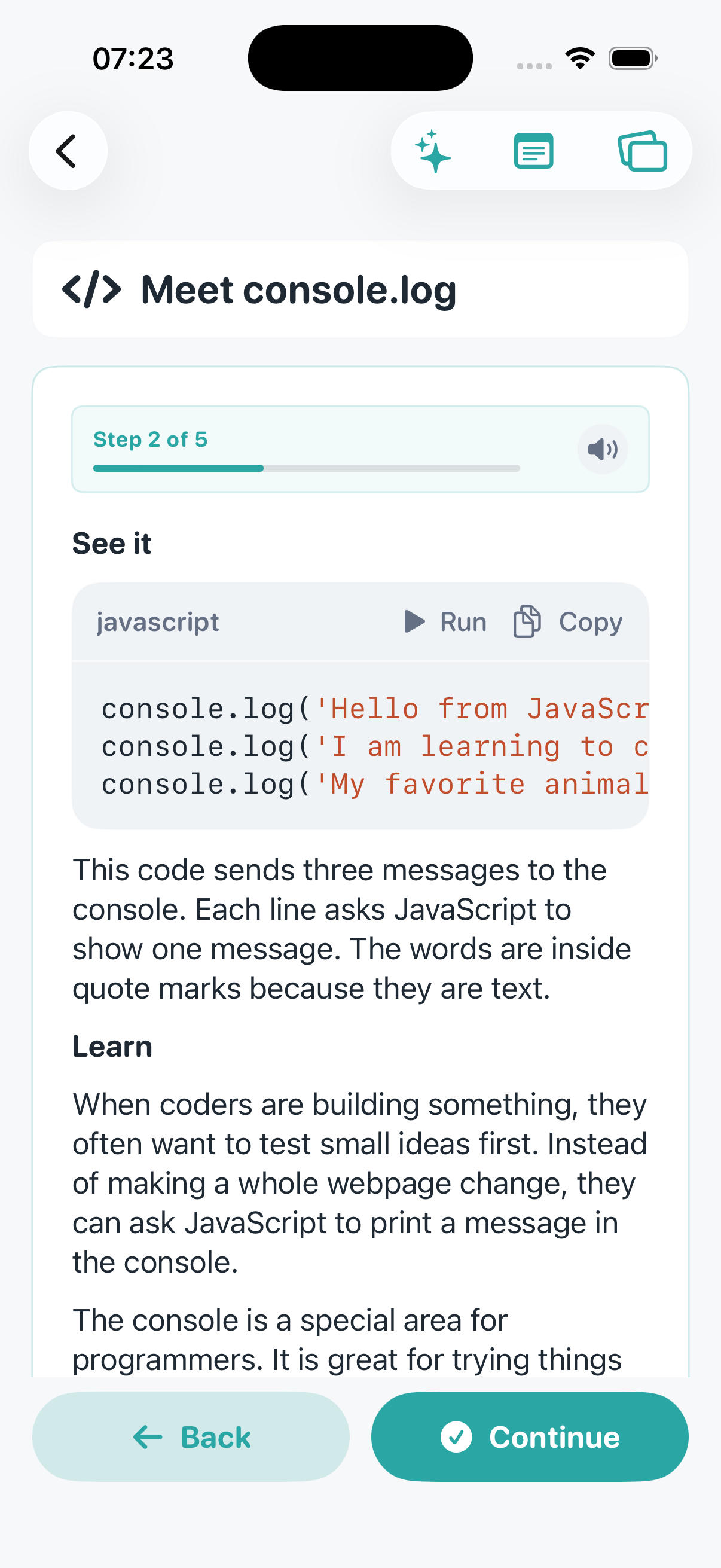
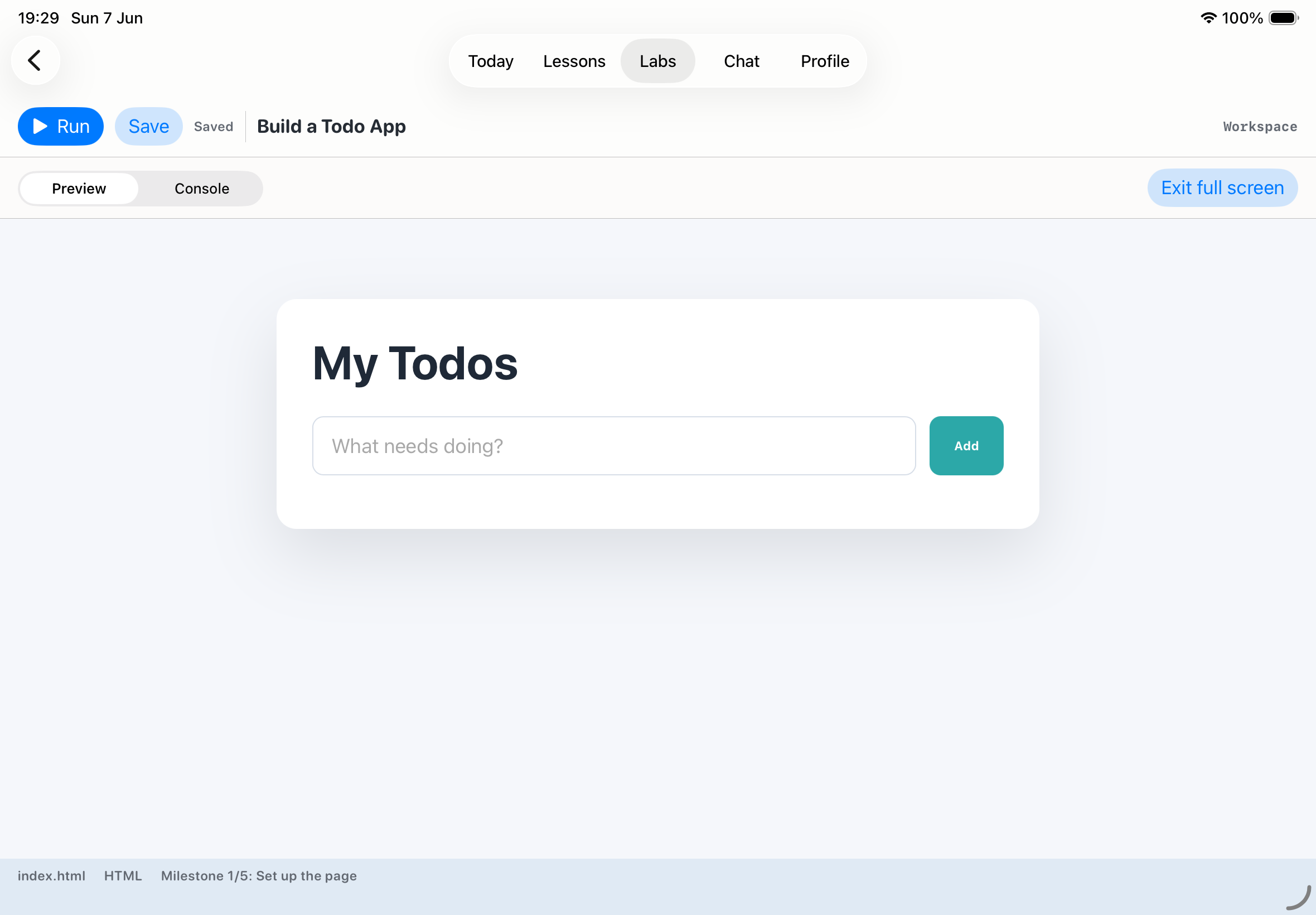
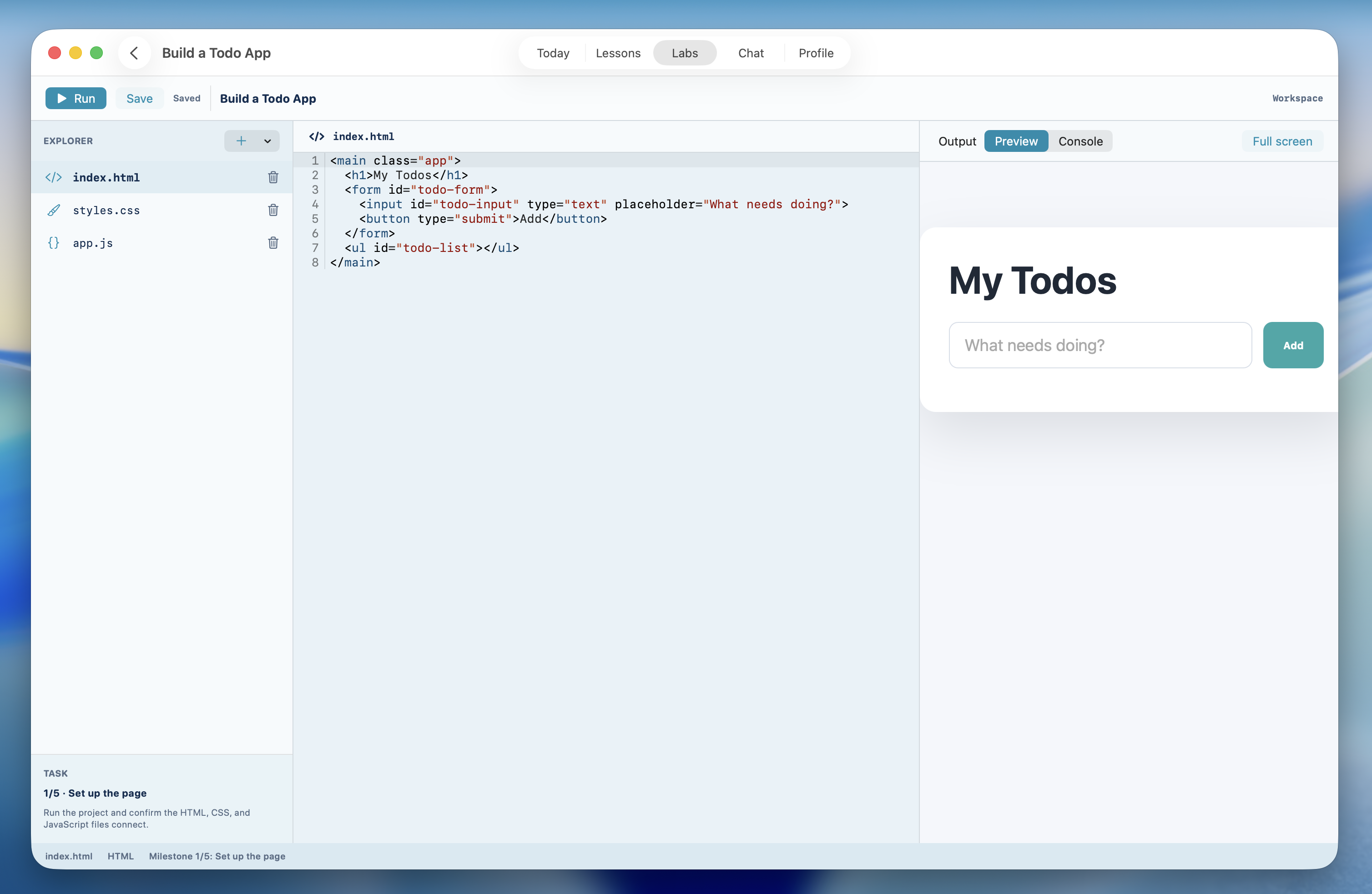
Courses break into stages — practice, quizzes, Labs, and review built in.
Guided lesson flow, Labs for Coding, SQL and Maths, polished UI, and a new CodePaw avatar.
Stages for learning, practice, review, quizzes, and completion.
Build websites, explore SQLite, run SQL, and practise maths challenges.
Refreshed interface, new avatar, new icons, and smaller improvements throughout.
Lessons and coding stand alone. AI helpers are extras on devices that support Apple Intelligence.
Chat, voice, and image help when Apple Intelligence is available.
Helpers run through Apple Intelligence on the device.
Courses and coding work on iPhone, iPad, and Mac either way.
Same lesson path — with or without AI helpers.
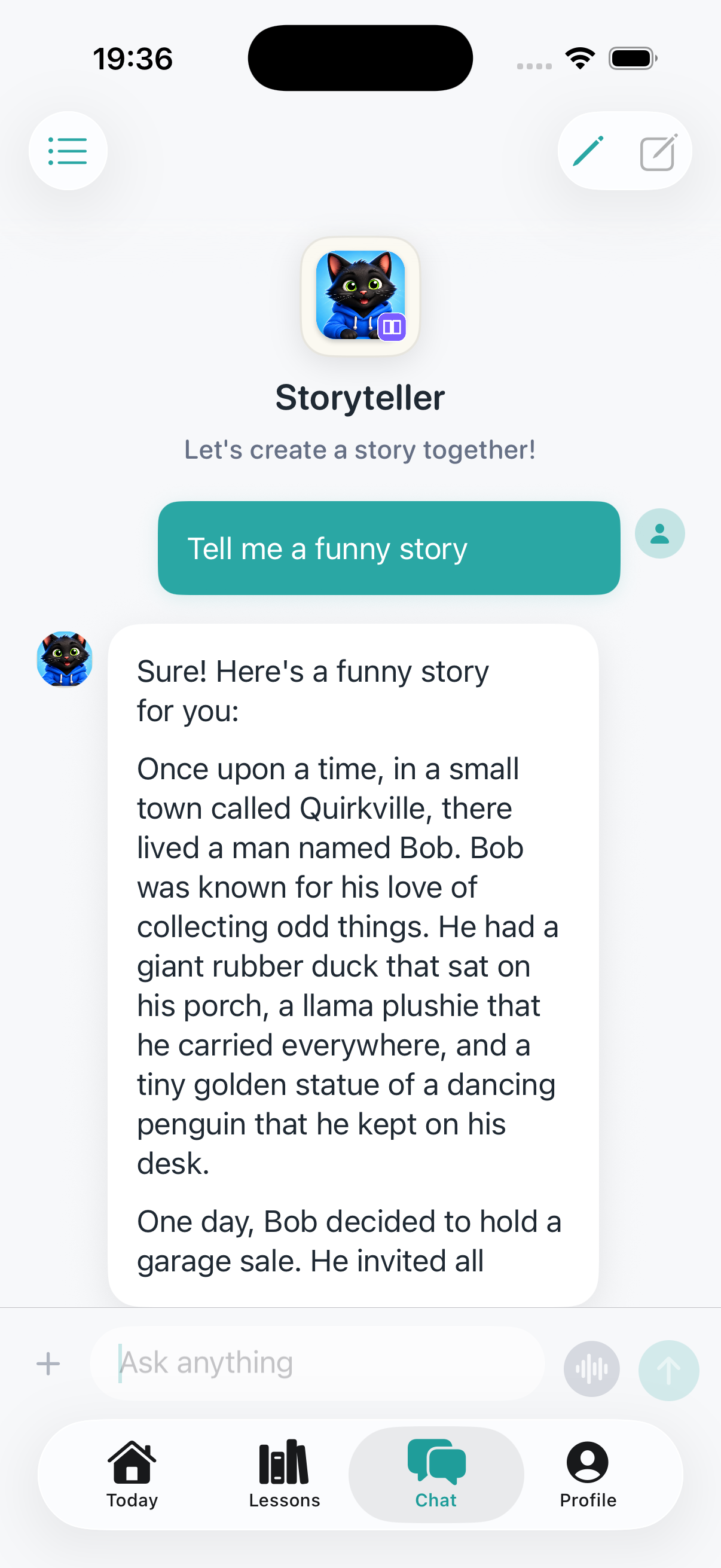
Different voices for different topics. The real learning still comes from lessons, practice, and projects.
Everyday questions and clear explanations.
Step-by-step science exploration.
Numbers, patterns, and puzzles made clear.
Creative prompts for writing and reflection.
Guided lessons and real coding on iPhone, iPad, and Mac — with privacy built in from the start.
Lessons and coding work on iPhone, iPad, and Mac. Some helpers need Apple Intelligence.